
Shopify SEO: A Practical Guide to Getting Your Store Found
A clear, honest guide to Shopify SEO: keyword research, search intent, product and collection optimisation, technical basics, content and measurement.
By ImperiumCart Agency · Published 20 October 2026 · 2 min read
The short answer
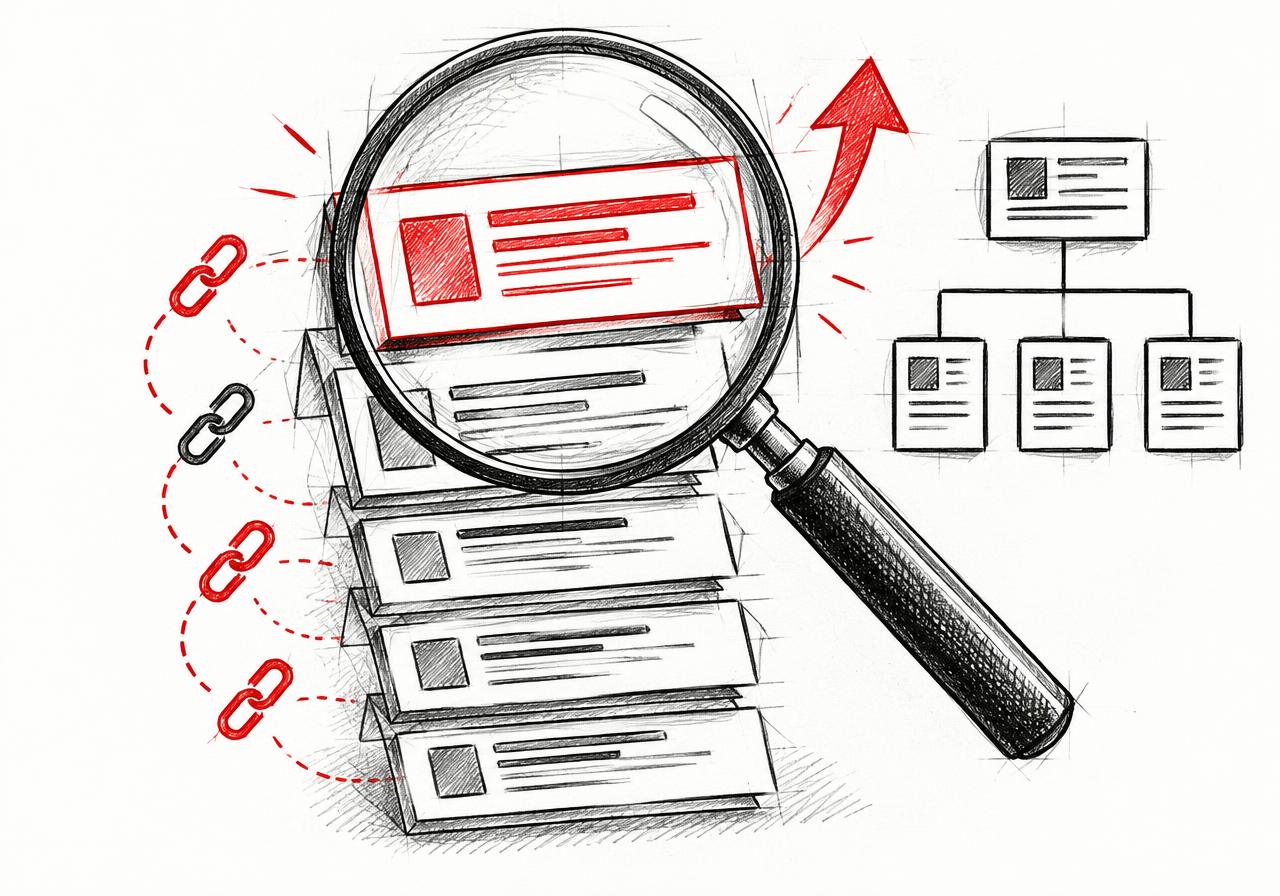
Shopify SEO means making your store easy for search engines to understand and genuinely useful for searchers. Focus on: matching pages to search intent (collections for broad category terms, products for specific items, articles for questions), writing unique titles, meta descriptions and copy, organising your site with clear internal links, optimising images, monitoring technical health in Google Search Console, and publishing helpful content. Results take time and are never guaranteed.
Understand search intent first
Every search has a purpose. Matching the right page type to that purpose is the foundation of e-commerce SEO:
| Search example | Intent | Best page type |
|---|---|---|
| "linen bed sheets" | Browse a category | Collection page |
| "stonewashed linen duvet cover king" | Specific product | Product page |
| "how to wash linen sheets" | Learn | Blog article |
Keyword research without overcomplicating it
Start with the words customers use — listen to support emails, reviews and how people describe your products. Then use tools such as Google Search Console (for queries you already appear for), Google's autocomplete and "People also ask", and a keyword tool if you have one. Group keywords by topic and assign each group to one page to avoid pages competing with each other.
Titles and meta descriptions
In Shopify, edit each page's search engine listing at the bottom of the product, collection or page editor. Write a unique title that includes the main term and your brand, and a meta description that accurately summarises the page and encourages a click. Search engines may rewrite them, but good defaults help.
Collection pages are your SEO workhorses
Collections often target the broader, higher-volume searches. Add a short, helpful introduction at the top and, if appropriate, more detailed content further down. Explain what is in the collection and help shoppers choose.
Product page SEO
Use original descriptions, descriptive titles, image alt text and structured specifications. Shopify themes typically output product structured data; verify it with Google's Rich Results Test.
Technical SEO on Shopify
Shopify handles much of the technical groundwork, including automatically generated sitemaps and canonical tags in most themes. Your responsibilities include:
- Submitting your sitemap in Google Search Console and Bing Webmaster Tools
- Setting up redirects when you delete or rename products
- Keeping image sizes and app scripts under control for speed
- Monitoring indexing reports for errors
Internal linking and content
Link from articles to relevant collections and products, and between related collections. Publish content that answers real pre-purchase questions — buying guides, comparisons, care instructions — and link it to the products it supports.
Measuring progress
Use Google Search Console to track impressions, clicks, average position and the queries you appear for. Review monthly. SEO usually takes months to show meaningful movement, and outcomes depend on competition and content quality.
Action checklist
- Google Search Console and Bing Webmaster Tools verified
- Sitemap submitted
- Keyword groups mapped to specific pages
- Unique titles and meta descriptions on priority pages
- Introductory copy on key collections
- Original product descriptions and alt text
- Redirects for removed URLs
- Helpful articles linked to products and collections
Frequently asked questions
Conclusion
Good Shopify SEO is mostly about clarity and usefulness: the right page for each search, written for people, organised logically and technically healthy. Focus on those fundamentals consistently and you give your store a real chance of being found.