
Why Your Shopify Store Gets Traffic but Not Enough Sales
A diagnostic guide to the most common reasons Shopify visitors leave without buying — and how to investigate and fix each one.
By ImperiumCart Agency · Published 12 October 2026 · 2 min read
The short answer
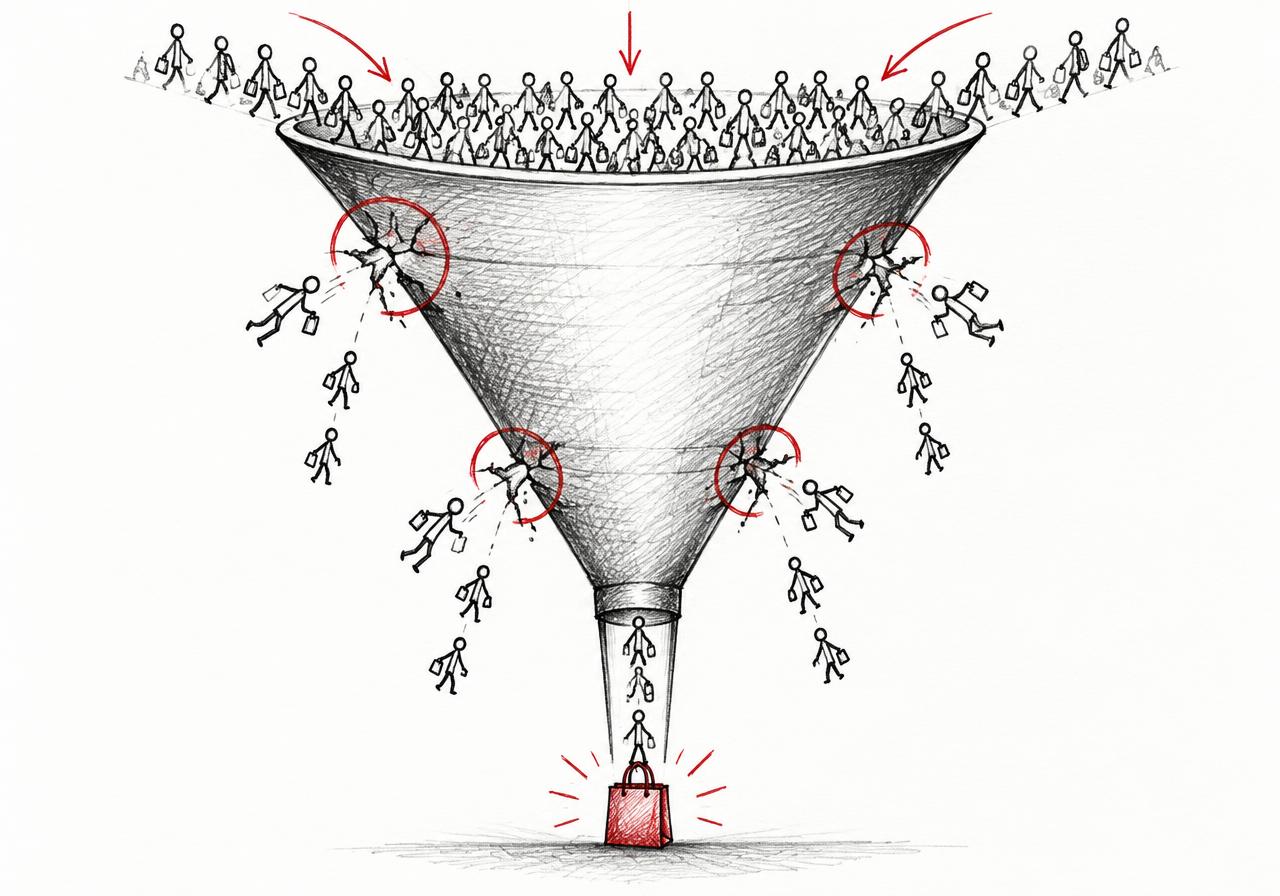
When a Shopify store gets traffic but few sales, the cause is usually one of five things: the traffic is not well matched to what you sell, the store does not quickly explain its value, products are hard to find or evaluate, unexpected costs or friction appear at checkout, or the store does not feel trustworthy. Diagnose by checking where visitors drop off in your Shopify analytics, then fix the biggest leak first.
Start with data: where are people leaving?
In Shopify Analytics, review the conversion funnel: sessions, added to cart, reached checkout, and completed purchase. The step with the biggest drop tells you where to look first.
Reason 1: The traffic does not match your offer
Check traffic sources. Visitors from broad social posts or mismatched ads may simply not be in the market. If one channel converts far worse than others, the problem may be targeting rather than your store.
Reason 2: The homepage does not explain your value
Within a few seconds a visitor should know what you sell, who it is for, and why it is worth exploring. Replace vague slogans with a clear statement and obvious paths into your main collections.
Reason 3: Products are hard to find or evaluate
Test your navigation and search. Can someone find a specific product in two or three clicks? Do product pages answer questions about size, materials, delivery and returns? See our product page guide for a full framework.
Reason 4: Surprises at checkout
Unexpected shipping costs are a frequently cited reason for cart abandonment. Show delivery costs or thresholds early — on product pages and in the cart.
Reason 5: The store does not feel trustworthy
Missing contact details, no About page, broken links, inconsistent imagery or no reviews make first-time buyers cautious. Add clear policies, a real About page, and accessible contact options.
Action checklist
- Review the Shopify conversion funnel
- Compare conversion by traffic source
- Rewrite the homepage headline for clarity
- Test navigation and search with someone new
- Show shipping costs before checkout
- Add About, Contact and policy pages
- Fix the biggest drop-off first, then measure
Frequently asked questions
Conclusion
Traffic without sales is a signal, not a mystery. Use your funnel to find the leak, fix the most likely cause, and measure before moving on.